
Pyxel Player Lab #
In this lab you be introduced the Python Pyxel framework by creating a player.
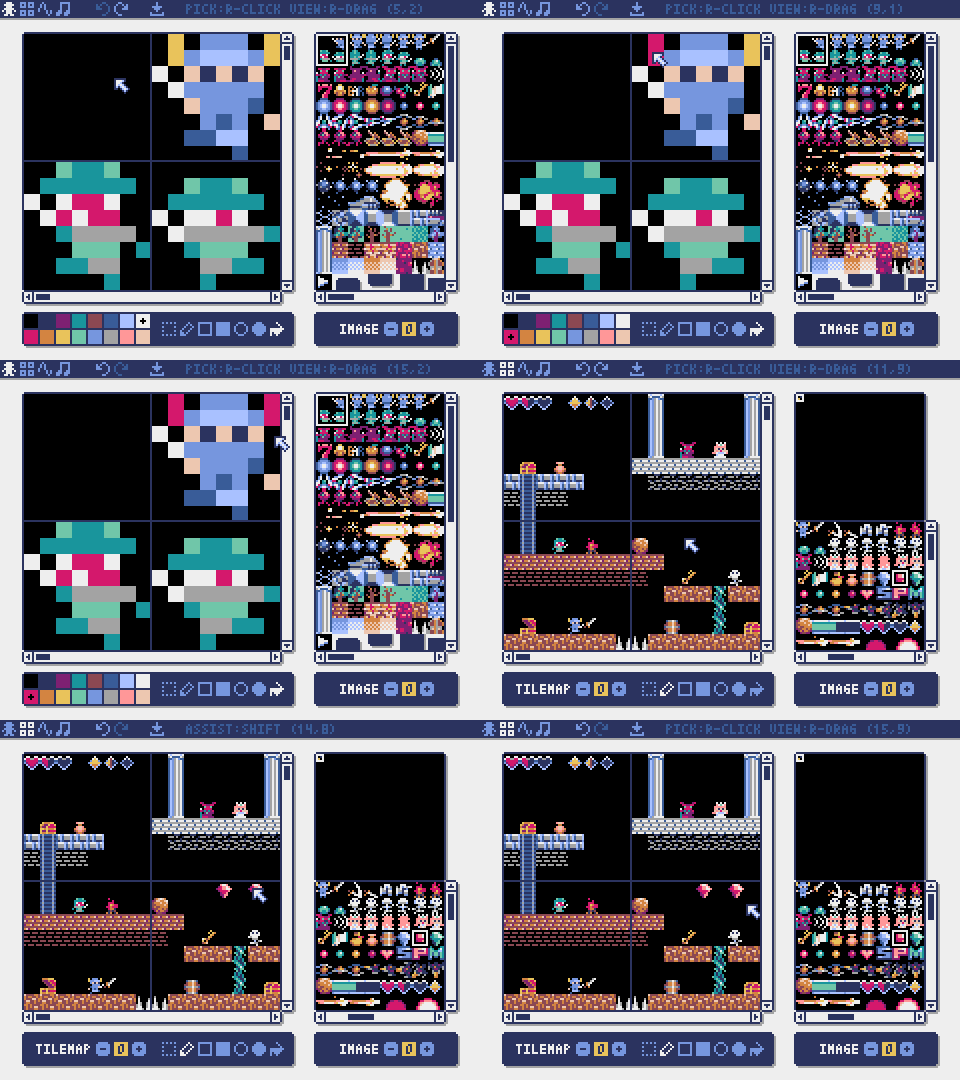
📖 You can find the official documentation HERE.
[0] Setup #
💻 Start by going into your
unit02_games folder.
cd ~/desktop/making_with_code/unit02_games
💻 Clone the repo.
Be sure to change YOUR-GITHUB-USERNAME to your actual Github username.
git clone https://github.com/the-isf-academy/lab_pyxel_player_YOUR-GITHUB-USERNAME
cd lab_pyxel_player_YOUR-GITHUB-USERNAME
poetry shell
poetry install
This repo includes these key files:
game.pyplayer.pyhelpers.pyassets.pyxres
[1] Explore game.py
#
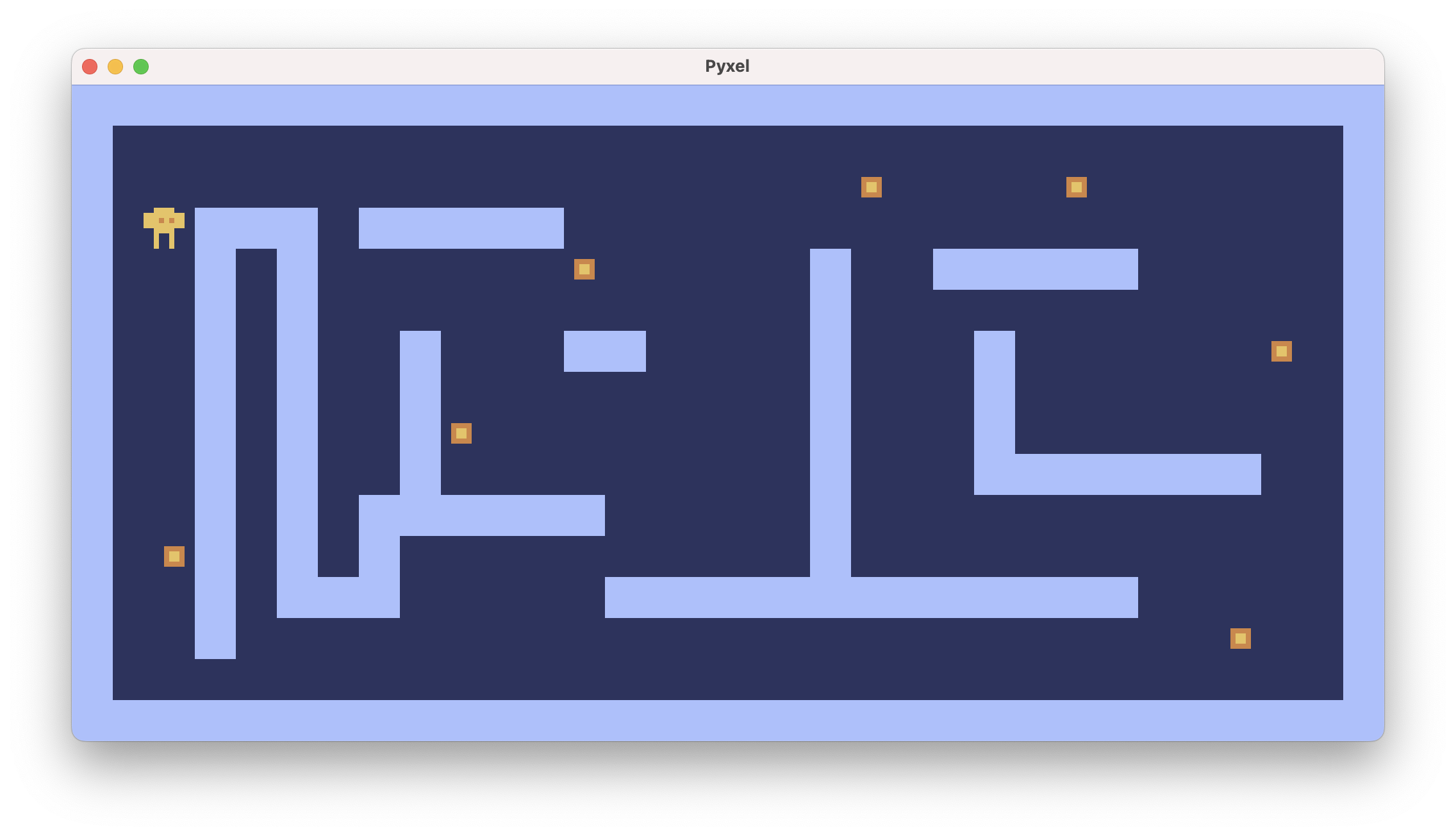
💻 Play the game! Press esc to exit the game. It’s quite simple! Today’s lab is just about getting used to the Pyxel framework and manipulating the Player.
python game.py
✅ CHECKPOINT:✏️ Follow along with the part 1 of the worksheet to explore how the game is setup and how the Player moves.
[2] Explore the Sprite Editor #
💻 Open the Sprite Editor. Pyxel has a built in sprite, map, and music editor!
pyxel edit assets.pyxres
✅ CHECKPOINT:✏️ Following along with the part 2 of the worksheet to explore how the game is setup and how the Player moves.
[3] Deliverables #
⚡✨💻 Push your work to Github:
- git status
- git add -A
- git status
- git commit -m “describe your changes here”
be sure to customize this message, do not copy and paste this line
- git push