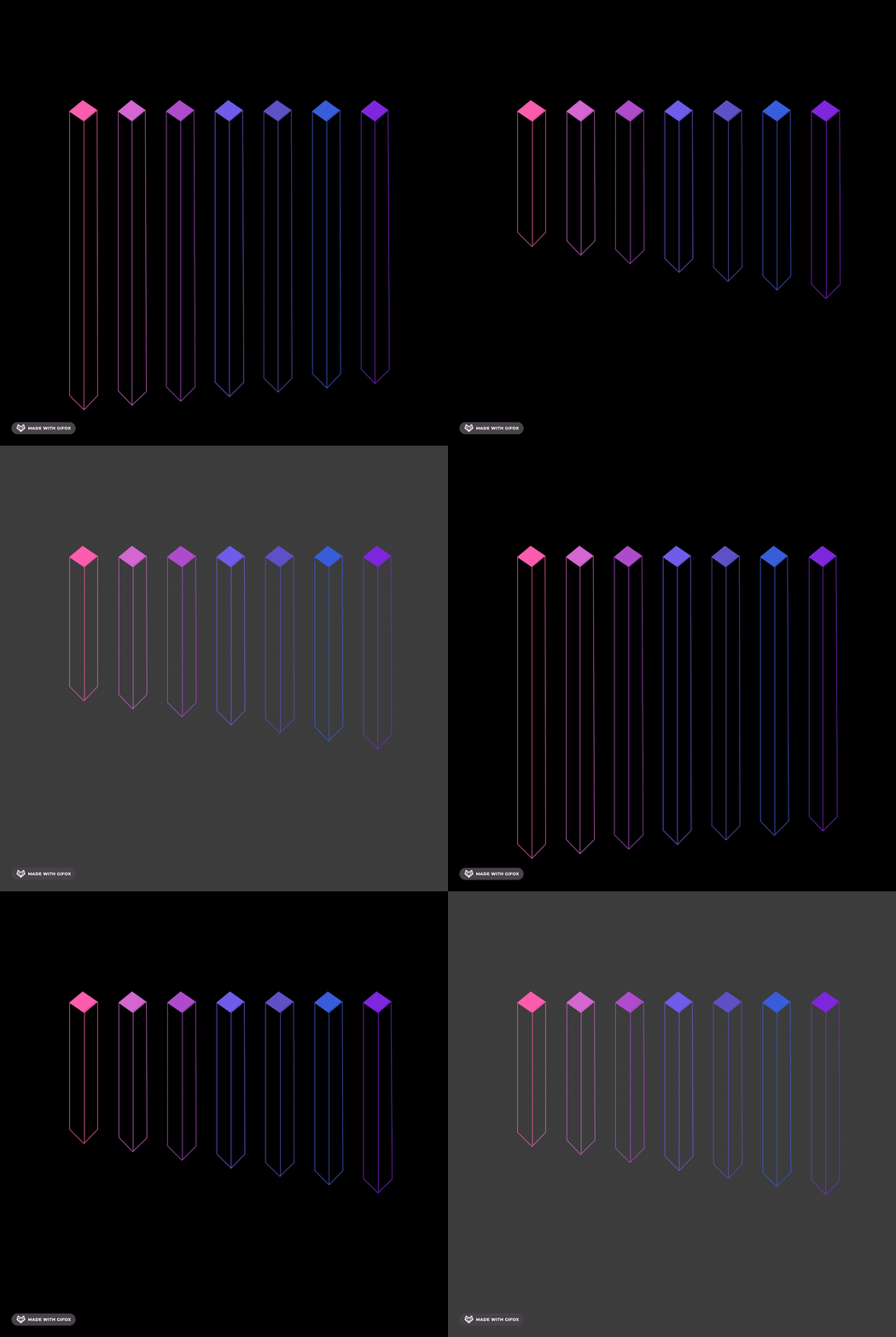
Animation Project #
In this project you will make an animated drawing using Python’s Turtle library. It must be a self-repeating animation, like a GIF!
It’s up to you to make a drawing you actually care about making. Your teachers will help you choose a project that’s a good level of challenge.
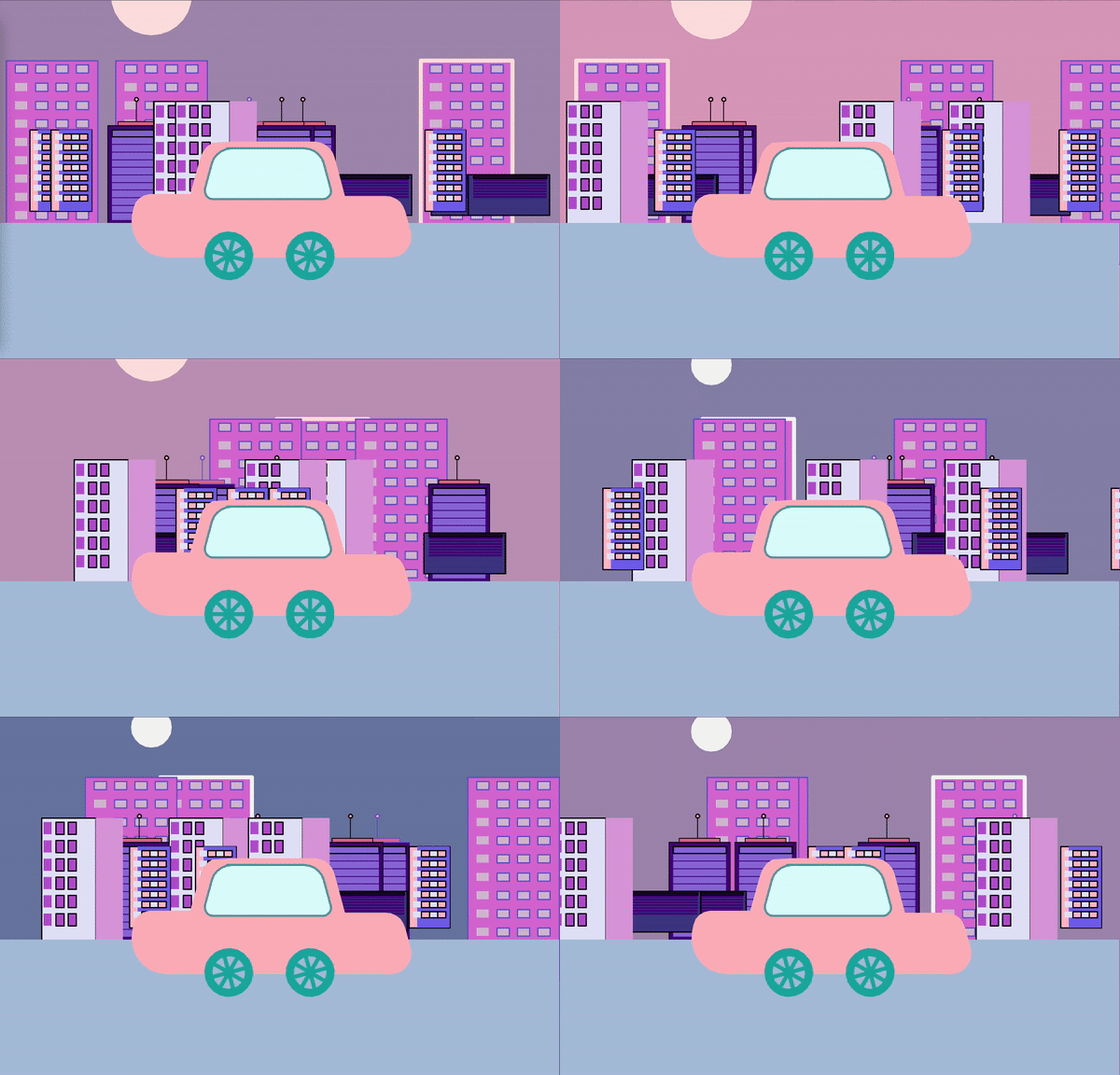
by Claire
[1] Criteria #
This project will be assessed on the following criteria:
- project planning
- iterative development
- readability
- modules
- animation
For each criteria you will be assessed on a score from 0-3:
- 0 - no evidence of the criteria
- 1 - limited evidence of the criteria
- 2 - satisfactory evidence of the criteria
- 3 - substantial evidence of the criteria
To do well in this project, you should be able to concretely demonstrate that you can successfully do each demonstrate each criteria. Substantial evidence requires you to extend beyond the work in the lab.
Success Claims #
Successful computer scientists should be able to make the following claims:
- I can thoughtfully plan a large computer science project.
- I can design the details of my modules, functions, and animation prior to coding
- I can develop my project iteratively over time
- I can track the development of my project by successfully committing to Github at least once per class work session
- I can track my current progress and next steps by writing specific commit messages
- I can work on my project in small chunks
- I can complete each portion of the project by the corresponding deadline
- I can cite external sources
- I can write code with readability in mind
- I can use descriptive names for modules, functions, and variables
- I can write descriptive comments to describe functions and complex pieces of the code
- I can write modules that effectively use the principles of abstraction and decomposition
- I can write functions with parameters that can be used in multiple situations
- I can use loops to repeat commands, when appropriate
- I can manipulate control flow with conditional statements, when appropriate
- I can construct an animation that effectively use the principles of abstraction and decomposition
- I can effectively create a self-repeating animation by utilizing
superturtle - I can include customize settings in
setting.pythat customize elements of the animation - I can use loops to repeat commands, when appropriate
- I can manipulate control flow with conditional statements, when appropriate
- I can effectively create a self-repeating animation by utilizing
[2] AI Policy #
- AI is NOT allowed to assist generating code in this project. If AI is suspected, a teacher will meet one-on-one ask you to explain your work
- You cannot use AI Overview, must find actual source
- Any excessive referencing will not be counted as your work
- You must cite all sources, except sources we’ve given you (website, labs) Source examples: geeksforgeeks, stackoverflow, Turtle documentation
[3] Project Booklet: Planning #
This is a big project, and you will get lost or frustrated if you don’t do some planning up front. You are required to fill out the planning section of the Project Booklet and get it approved by a teacher.
✏️ Fill out the Project Overview and Project Design sections of the Booket.✋ Once you have completed your planning document, meet with a teacher to talk through your project.
[4] Setup #
For this project, your code will live in a git repository. It is your responsibility to regularly commit to your repository.
💻 Go to your
unit00_drawing folder.
cd ~/desktop/making_with_code/unit00_drawing/
git clone https://github.com/the-isf-academy/project_animation_yourGithubUsername
💻 In the Terminal, type the following command to open the project folder.replace the
yourGithubUsernamewith your Github username.example:
git clone https://github.com/the-isf-academy/project_animation_emmaqbrown
cd project_animation_yourGithubUsername
It contains the following files:
project.pyWhen this program runs, it should draw your project.settings.pyThis is where you settings for your animation should be stored.README.mdThis is documentation for your project for other people who may want to use your project.
poetry shell
💻 Install the required packages This project requires SuperTurtle to be installed using poetry.
poetry install
💻 Start coding! With the planning pages of your Project Booklet approved by a teacher and your starter code downloaded, you’re ready to start creating.
[5] Deliverables #
🗓️ Timeline #
You may find it necessary to work outside of school, however if you are focused in class you should be able to complete the project within the allotted blocks. Our office hours are Wednesday during CCA in B403.
✅ Work Submitted #
Unit 00 Animation Project Planning Booklethanded in to your teacherproject_animationrepository containing the following files:project.pyWhen this program runs, it should draw your project.settings.pyThis is where you settings for your animation should be stored.- At least one additional module (written by you)
⚡✨💻 Push your work to Github:
git statusgit add -A
- you can add multiple files by adding all edited files with
-Agit statusgit commit -m "#today what I worked on today #next what I will work on next class"be sure to customize this message, do not copy and paste this line
git pushremote
- check your work is updated on Github
[6] Gallery #
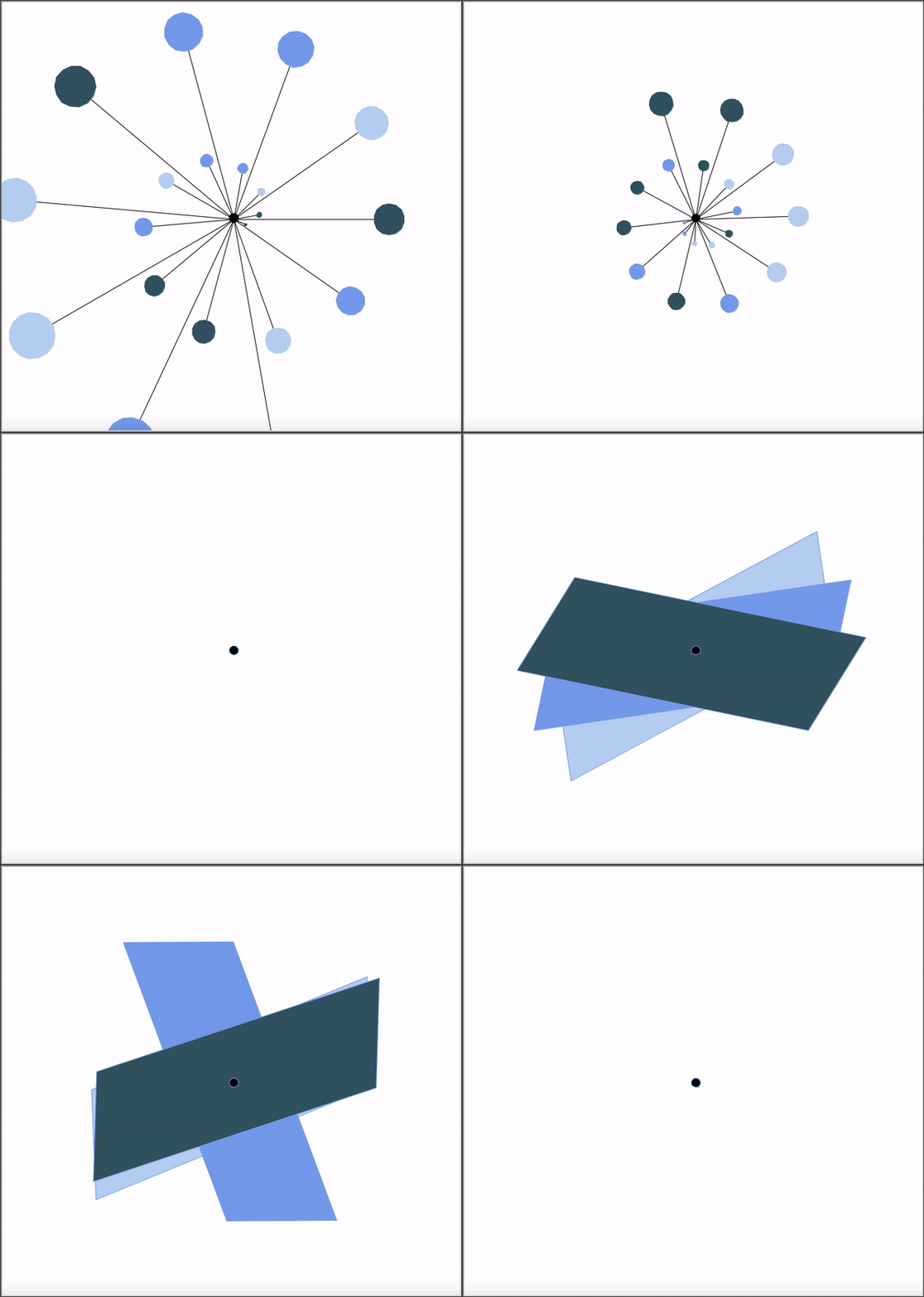
by Owen
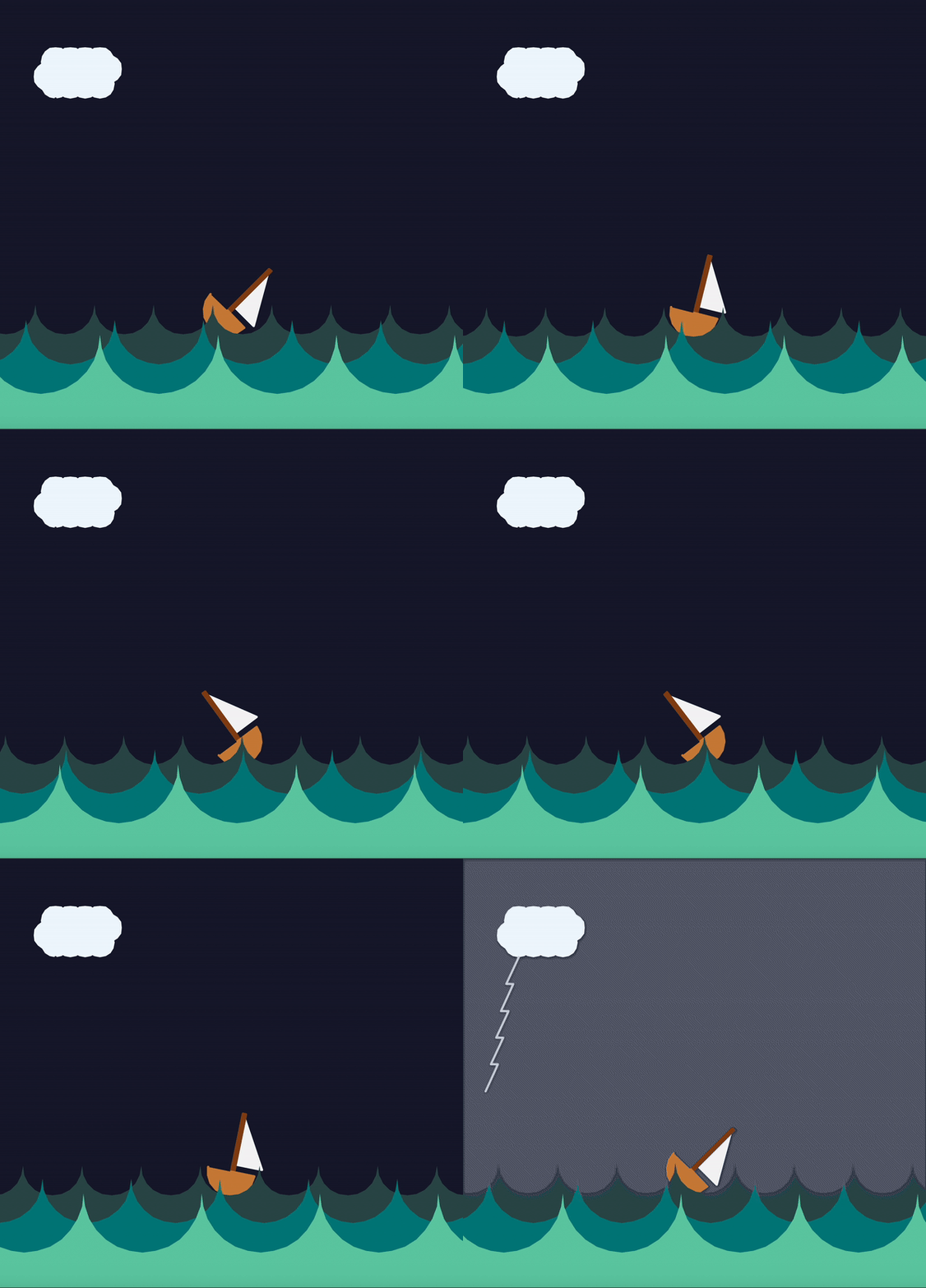
by Brandon

by Lawrence
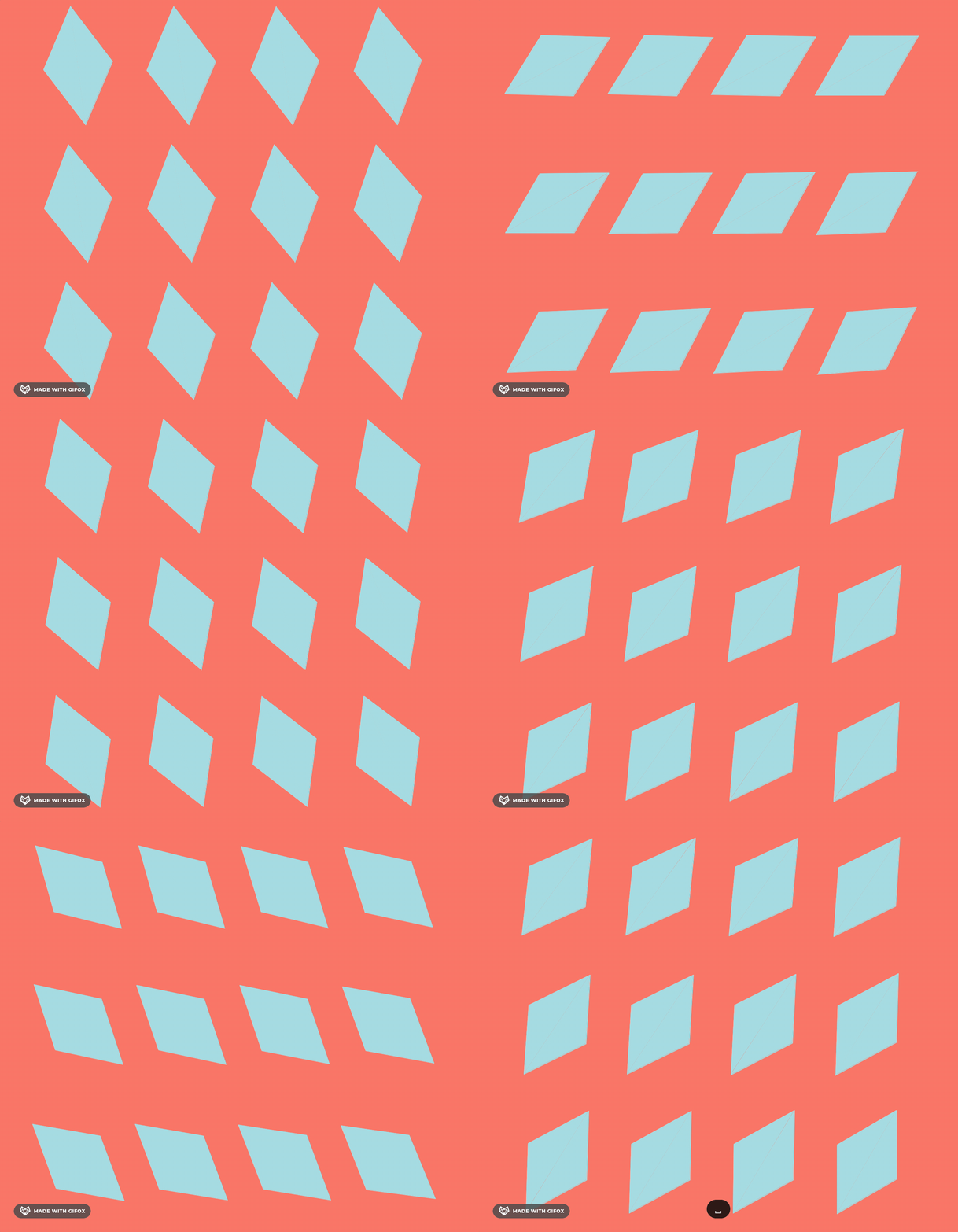
by Kiki
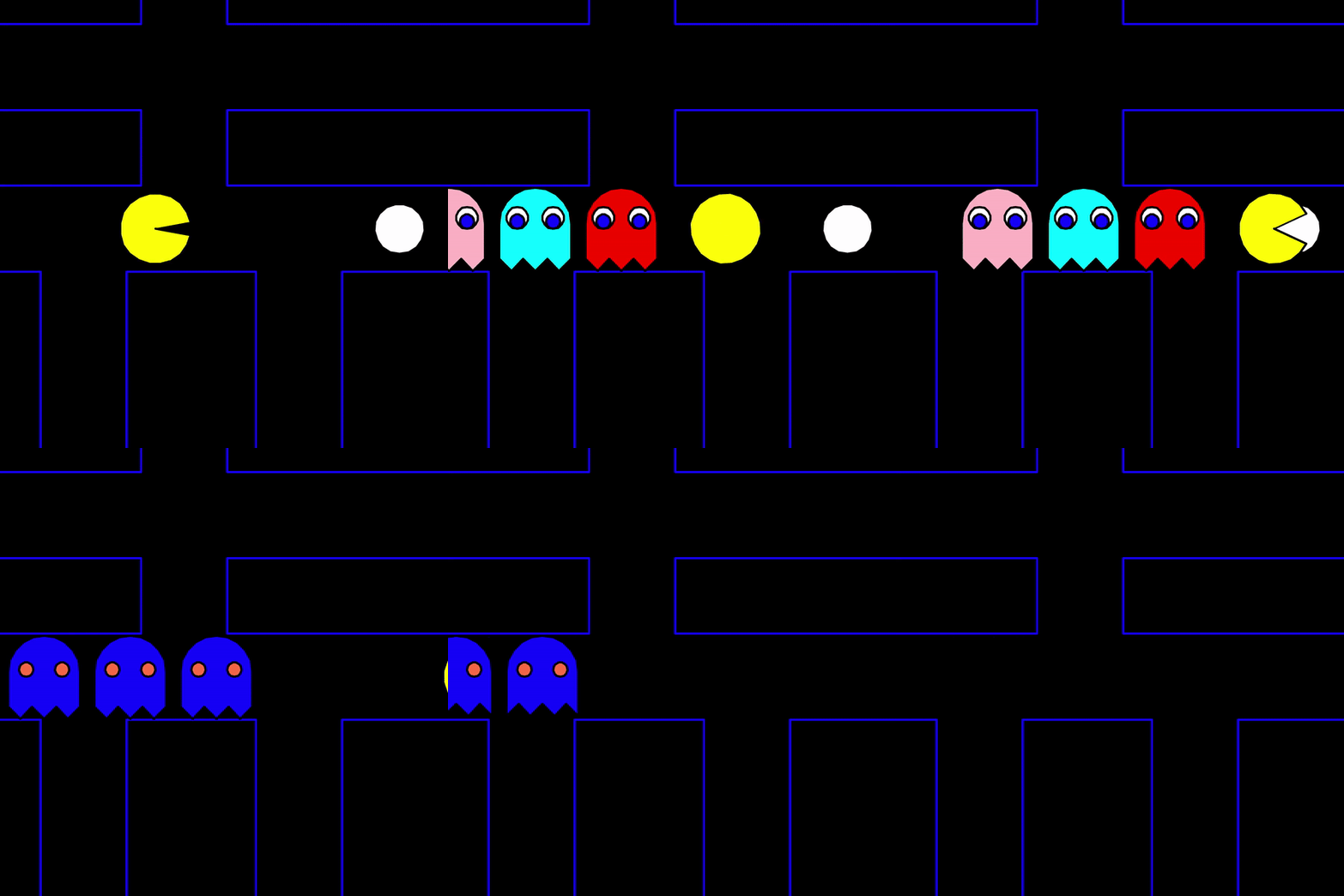
by Chris

by Charlotte

by Eric