
Intermediate Templates #
In this lab, you’ll understand how templates can be super helpful puzzle pieces that easily work together.
[0] Set up #
💻 Let's begin by starting the Colorama app in a Terminal window.cd ~/desktop/making-with-code/unit05_webapps/lab_flask_colorama_yourgithubusername
code .
poetry shell
python app.py
[1] Navigation Bar #
This is the current structure of our templates directory.
templates
├── base.html
├── color_all.html
├── color_detail.html
├── color_form.html
├── color_random.html
├── index.html
├── navbar.html
└── swatch.html
Templates are super useful for reducing repetitive code and simplifying editing for the styling of your site. If you want to edit the navigation bar, you just edit navbar.html. You don’t have to go into every page and edit the navigation bar.
Let’s add a navigation to our page to understand how easily the templates work together.
💻 Create a new file templates/navbar.html. Reference the below structure for creating your navigation bar.
| |
💻 Let’s add the navigation bar to every page, by including our new template in the template/base.html. Copy & Paste this line into the <body>.
| |
💻 Now explore all of the pages on your site. You should now have a nicely formatted navigation bar!
However, it may not be styled as you expect.
💻 Delve into the static/css/style.css file to customize your navigation bar

[2] Customize the Design #
💻 Continue to delve into the static/css/style.css file to design of the site! A few ideas:
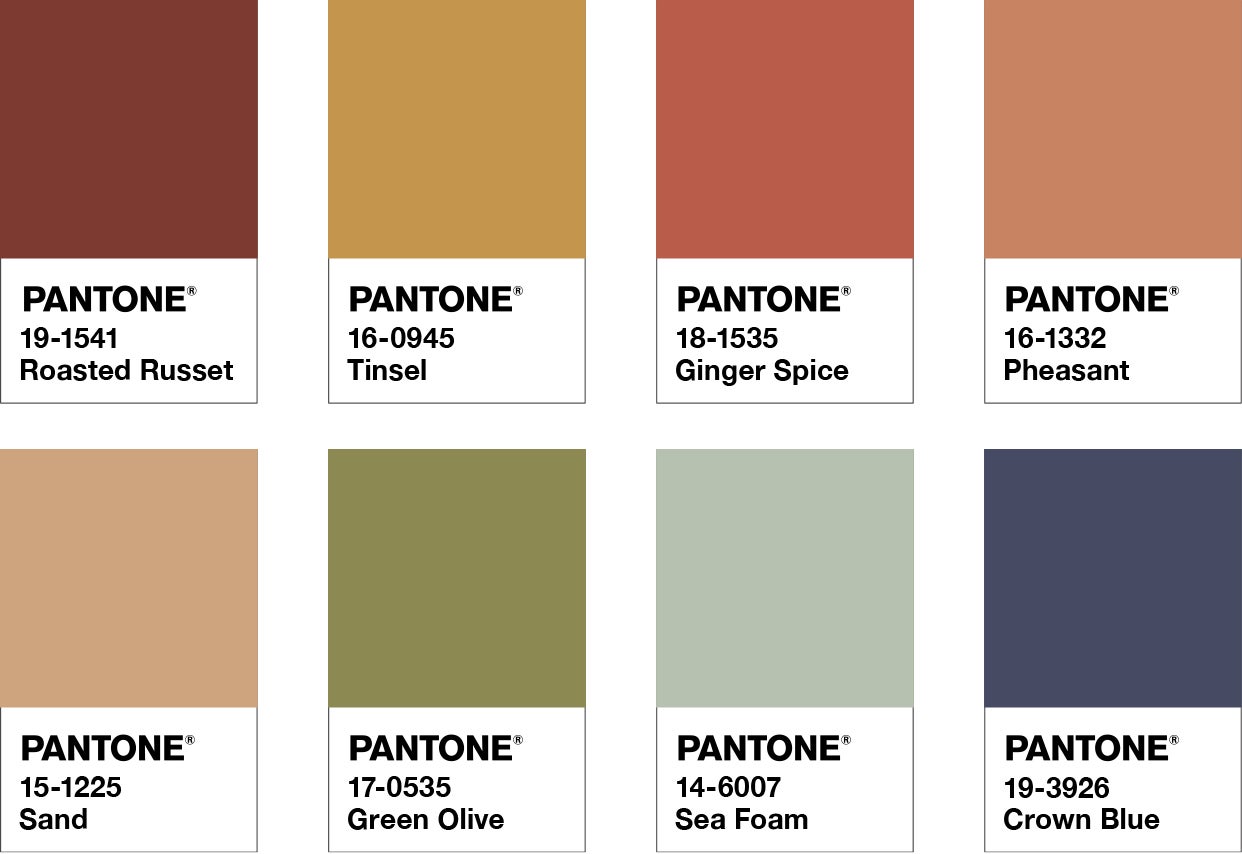
- change look of the swatch to look like Pantone Color Swatches
- customize the layout of the all page
- style the form - w3schools css form guide
[3] Deliverables #
⚡✨ Once you've successfully completed the lab:💻 Push your code to Github.
- git status
- git add -A
- git status
- git commit -m “describe your code and your process here”
be sure to customize this message, do not copy and paste this line
- git push
[4] Extensions #
Custom 404 Page #
💻 Create a custom 404 page that includes a link to go back to the home page. This can catch errors such as going to /edit/<int> integers that do not exist in the database.
@app.errorhandler(404)
def page_not_found(error):
    return render_template('404.html'), 404
Custom Form Validators #
Validators in forms ensures the data input is the correct data type and in an appropriate format.
💻 Add a custom validator to ensure the name of a color does not include specific words (e.g. curse words). Reference the flask documentation on custom validators
Delete Colors #
💻 Add a feature to delete colors of a specific id You can link this page to the /edit page OR have it as a secret page only you can use. If it’s a secret page, how could you password protect it so only administrators can use it?
- You will need to create a new database helper function
@app.route('/delete/<int:color_id>', methods=['DELETE'])