
Detail Page #
In this second lab, we will go more in-depth into accessing and manipulating colors from the database.
[0] Set up #
💻 Let's begin by starting the Colorama app in a Terminal window.
This lab picks up where 0. Intro left off.
cd ~/desktop/making-with-code/unit05_webapps/lab_colorama_yourgithubusername
code .
poetry shell
python app.py
[1] Detail Page #
Now let’s add a new feature to the app: a detailed page for each color This is going to require extending the app at every level we’ve studied so far. We’ll start at the “outside” with URL routing, and work our way “in” to the models.
- We need to add function with a URL for showing a color. To avoid ambiguity, we’ll
refer to colors by the unique ID each is assigned by the database. These URLs
will have the form
detail/23,detail/155, etc. Each URL will link to a color swatch.
💻 Add a function to handle the color detail route:
app.py:
| |
/detail/<int:color_id>- this defines the URL patterndef color_detail(color_id)- this allows you to utilize the integer from the URL pattern- How might you alter this function if you wanted the URL pattern to be
color/name?
💻 Create a new file for the color detail template:
/templates/color_detail.html and copy & paste this code snippet..
| |
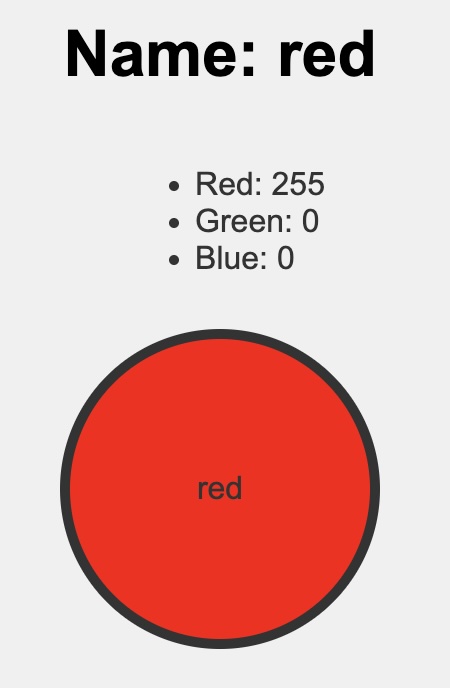
💻 Edit the code to include the color’s RGB values on the detail page.
✅ CHECKPOINT:Before moving on, be sure you understand the following. If you do not, please ask a teacher.
- how to send data from a function in
app.pyto an HTML template in/templates- how to access data in a template using
{{ }}
💻 Currently, the only way to see color detail pages is to manually edit the URL. Modify the color all template
/all so you can click on a color swatch and it takes you to its detail page.
Here is an example of the link pattern.
<a href="{{ url_for('color_detail', color_id=1) }}">
  Click here for Color 1 Detail
</a>
You should be able to click on each color and it takes you to its detail page.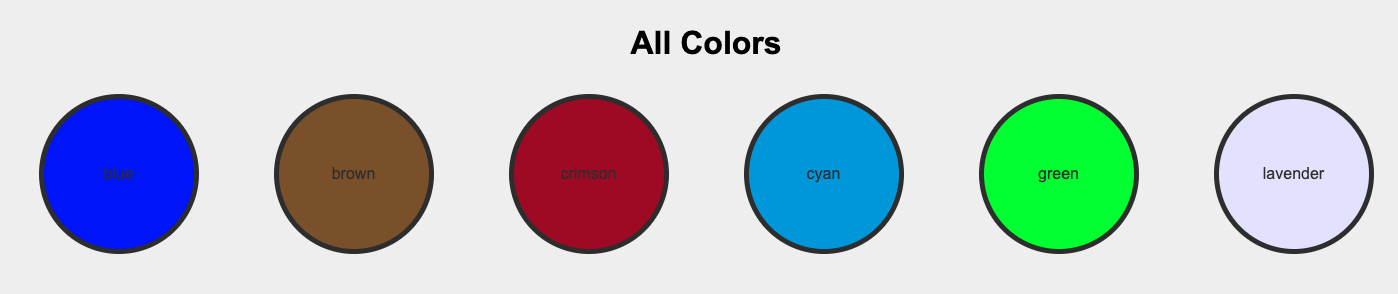
✅ CHECKPOINT:Before moving on, be sure you understand the following. If you do not, please ask a teacher.
{% extends "base.html" %}{% block content %}and{% endblock %}
🎉 Congratulations! You just added a new feature to the app!
[2] Palette Generator #
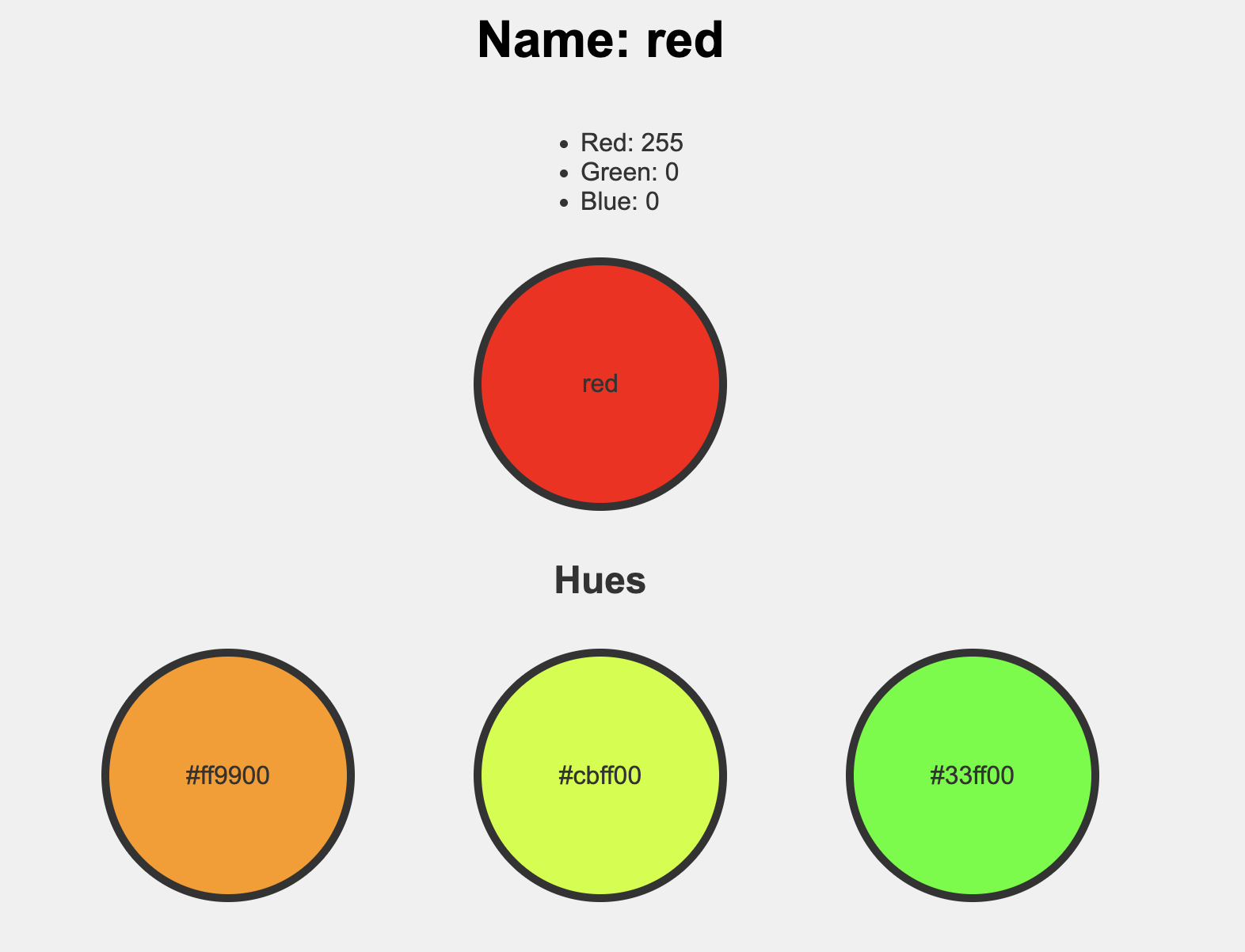
Now, let’s use the functions in filters.py to manipulate the Color create a palette generator. Each color detail page will show a color palette of colors that go nicely together.
💻 Let’s expand on the color_detail() function in app.py. Replace your function with this updated function.
| |
lines 6-8- creates new colors based on the requested color using the filter functionadjust_hue()line 13- sends the hues list to the template
💻 Update your templates/color_detail.html to include the hues.
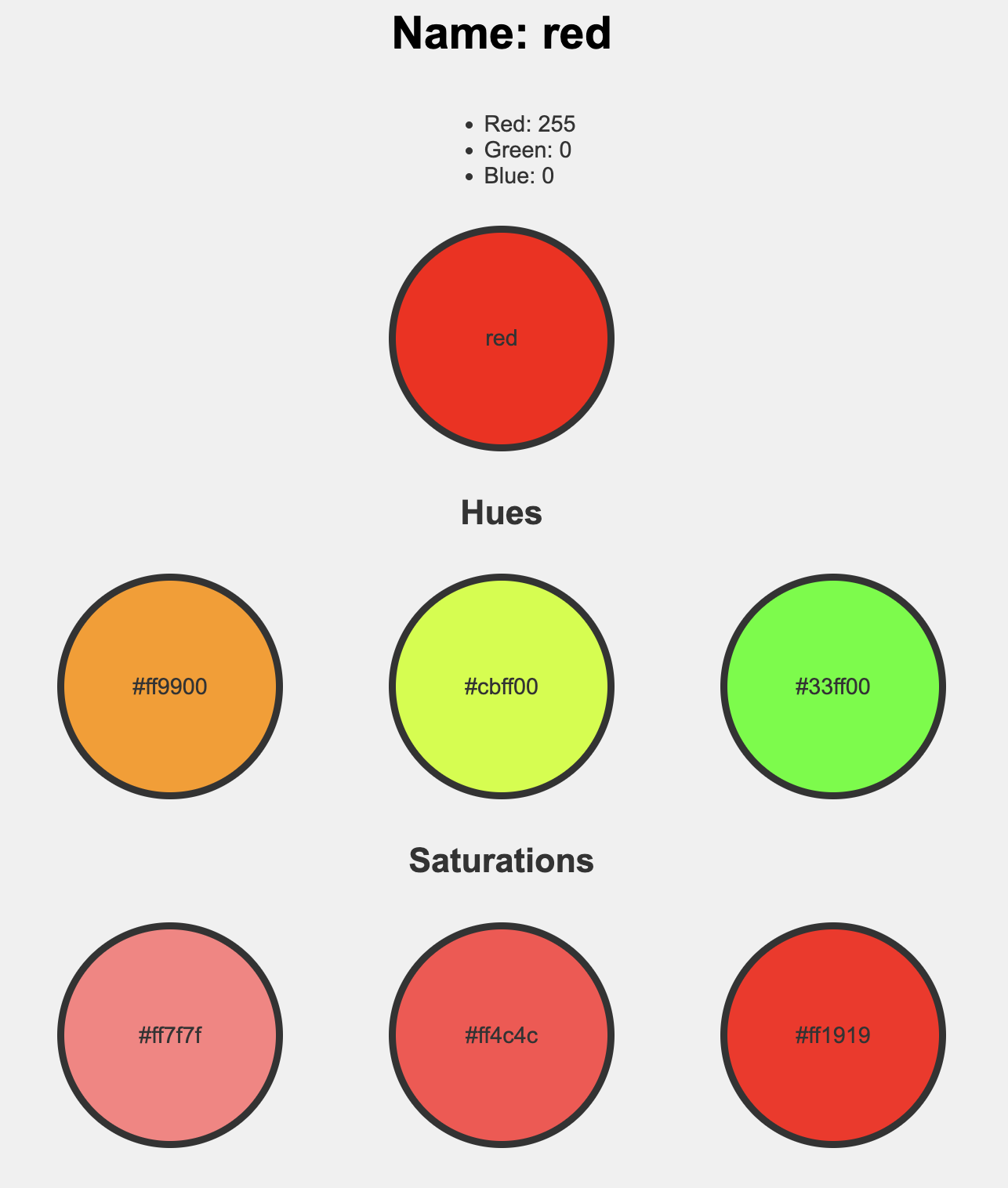
💻 Utilize the filter adjust_saturation() to include an additional color palette on the detail page with saturation adjustments.
- Suggested saturation values =
[-.5, -.3, -.1]
Your finished detail/1 page should look similar to this:
[3] Deliverables #
⚡✨ Once you've successfully completed the lab:💻 Push your code to Github.
- git status
- git add -A
- git status
- git commit -m “describe your code and your process here”
be sure to customize this message, do not copy and paste this line
- git push
[4] Extensions #
Dynamic Sort Dashboard #
Create one route in app.py (e.g., /all/red, /all/blue) that render the same color_all.html template but sorts it by different columns.
Add buttons like “Sort by Red,” “Sort by Blue,” and “Sort by Name” on the /all page that takes the user to these routes.
Create a visual technical resource #
Design a high-quality "Flask-Jinja2 Cheat Sheet" using HTML and CSS.
Some things you might include:
- The difference between
{{ variable }}and{% command %} - A diagram or flowchart showing how a request travels from a URL in app.py to a specific template in
/templates - A “Common Errors” section (e.g., forgetting to return the
render_templatefunction)
The “Colorama” Quiz #
Teaching others is the best way to master the material. Create a 10-15 question review game for the class (on any quiz platform such as Kahoot or Blooket). If you finish it by the end of class, we will play it together!
Example questions:
- In
@app.route("/detail/<int:color_id>"), what does<int:color_id>do? - What are the four attributes of a
Colorin theSQLtable? - Where must
HTMLfiles be stored forFlaskto find them?